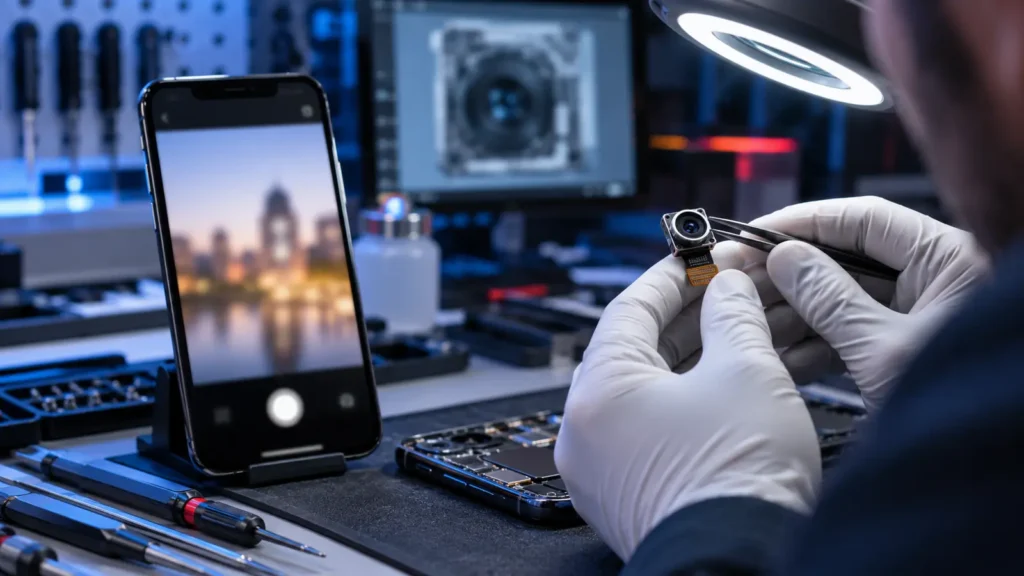
Phone Front Camera Blurry: Cleaning, Settings or Repair? is designed for people dealing with soft, hazy, or unfocused selfies and video calls. The same visible problem can come from smudges, protector overlap, condensation, app processing, lens damage, or camera-module faults, so diagnosis matters before any part is replaced.
What this symptom can tell you
The timing and trigger are useful evidence. Note whether the problem began after a drop, liquid exposure, system update, new accessory, repair, or unusually hot conditions. Also check whether it affects one app or accessory, or the entire phone. These details help separate a settings problem from damage involving the front camera.
Safe checks to try first
- Clean the outer glass with a dry microfiber cloth and compare more than one camera app.
- Restart once if the phone is cool, dry, not swollen, and able to respond.
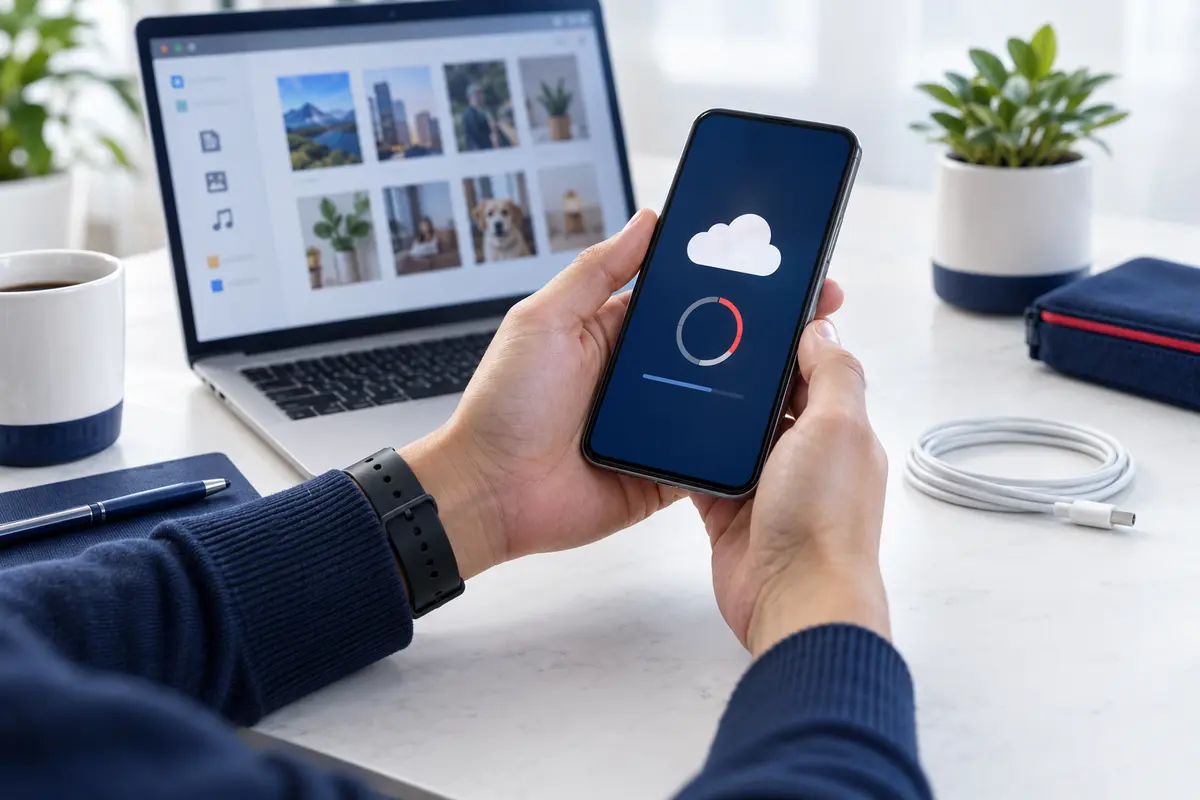
- Back up photos, contacts, and other important data while access is stable.
- Record any error message and the exact conditions that reproduce the issue.
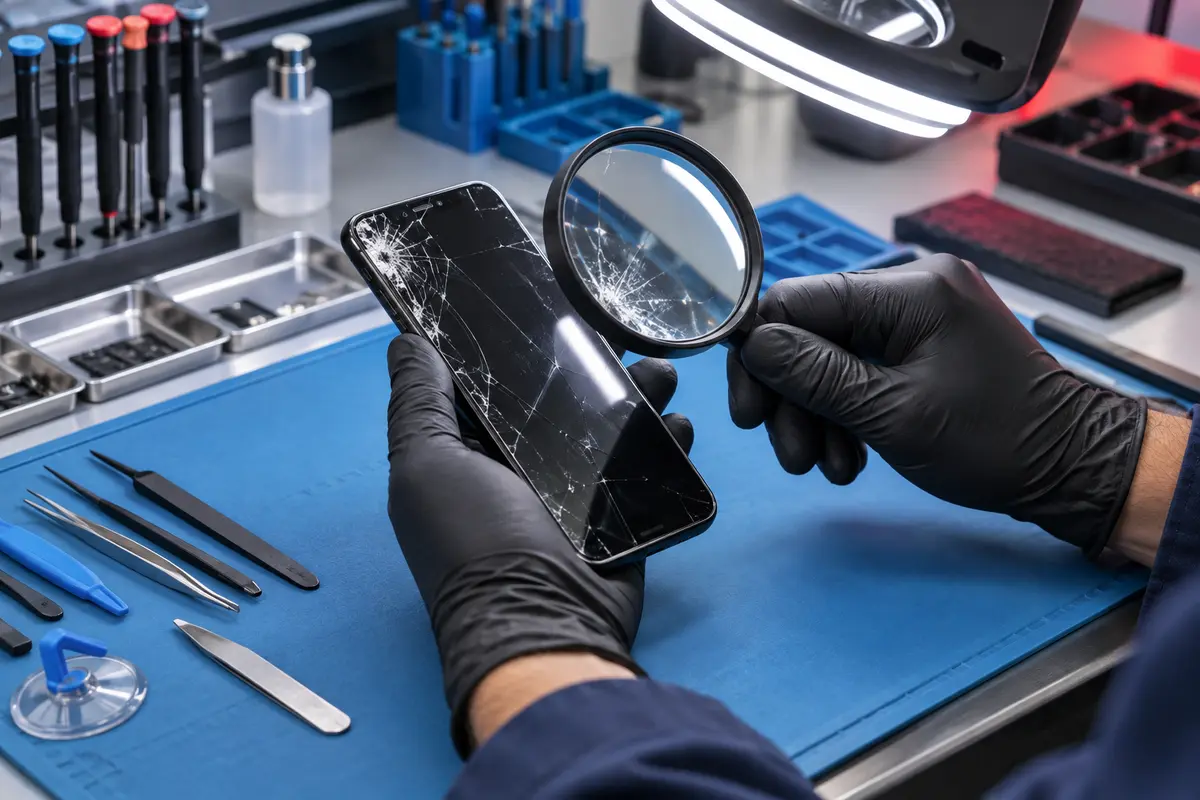
Do not force connectors or buttons, insert metal tools, apply heat, or open the device. Stop home testing when condensation is visible, the lens glass is cracked, or blur followed impact. Those conditions deserve prompt professional inspection.
Symptom and next-step table
| What you notice | What it may indicate | Next step |
|---|---|---|
| Problem affects one accessory or app | Compatibility or settings | Compare a known-good alternative |
| Problem began after impact | Physical or connector damage | Request internal inspection |
| Intermittent failure | Loose connection, heat, software, or wear | Document the trigger |
| Heat, swelling, liquid, or odor | Possible safety-sensitive damage | Stop use and seek help |
When professional diagnosis is useful
A technician can test the phone as a system instead of assuming the first visible symptom proves a specific part has failed. Fast Phone Repair & Accessories provides a free diagnostic process and accepts walk-ins at our Las Vegas location. Our technician has 8 years of experience.
Same-day service may be available depending on the model, confirmed damage, parts availability, and current workload. Applicable repairs include a 30-day warranty; please ask us to confirm the terms for your specific repair.
Repair and information resources
Explore our front camera repair option, learn about our phone diagnostic service in Las Vegas, or request an appointment. For independent information, see iFixit phone guides and the trusted iFixit phone guide library.
Related phone repair video
Frequently asked questions
Does this symptom prove the front camera must be replaced?
No. Similar symptoms can come from software, accessories, connectors, power, or nearby components. Diagnosis should identify the cause first.
Can I visit without an account or appointment?
Yes. Walk-ins are welcome, and the appointment form does not require a customer account.
Can the repair be completed the same day?
Same-day availability depends on the phone model, diagnostic result, parts availability, and workload. Call ahead for the latest availability.
Need phone repair help in Las Vegas?
Visit Fast Phone Repair & Accessories, 7400 S Las Vegas Blvd, Unit TT46, Las Vegas, NV 89123. Call (805) 732-5832 or book an appointment.