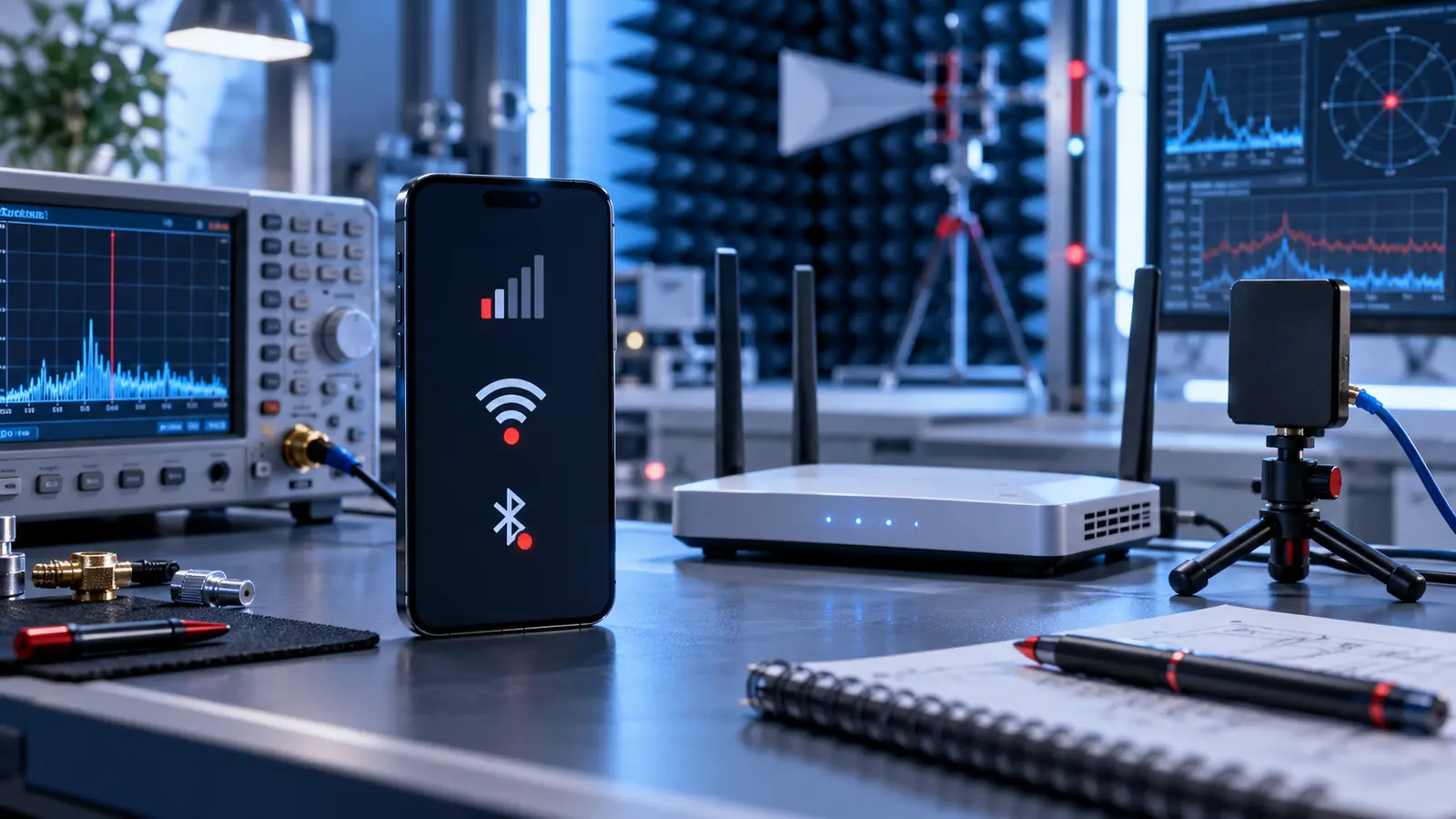
When a phone develops this problem, the visible symptom is only the starting point: carrier outages, router settings, accessories, software, antenna damage or board faults can cause weak or missing connections. The safest approach is to protect the device and data, document what happened and use diagnosis to identify the actual fault before authorizing work.
What to do first
Test in another location, restart the phone and router when appropriate, disable VPN temporarily and compare cellular, Wi-Fi and Bluetooth separately.
What not to do
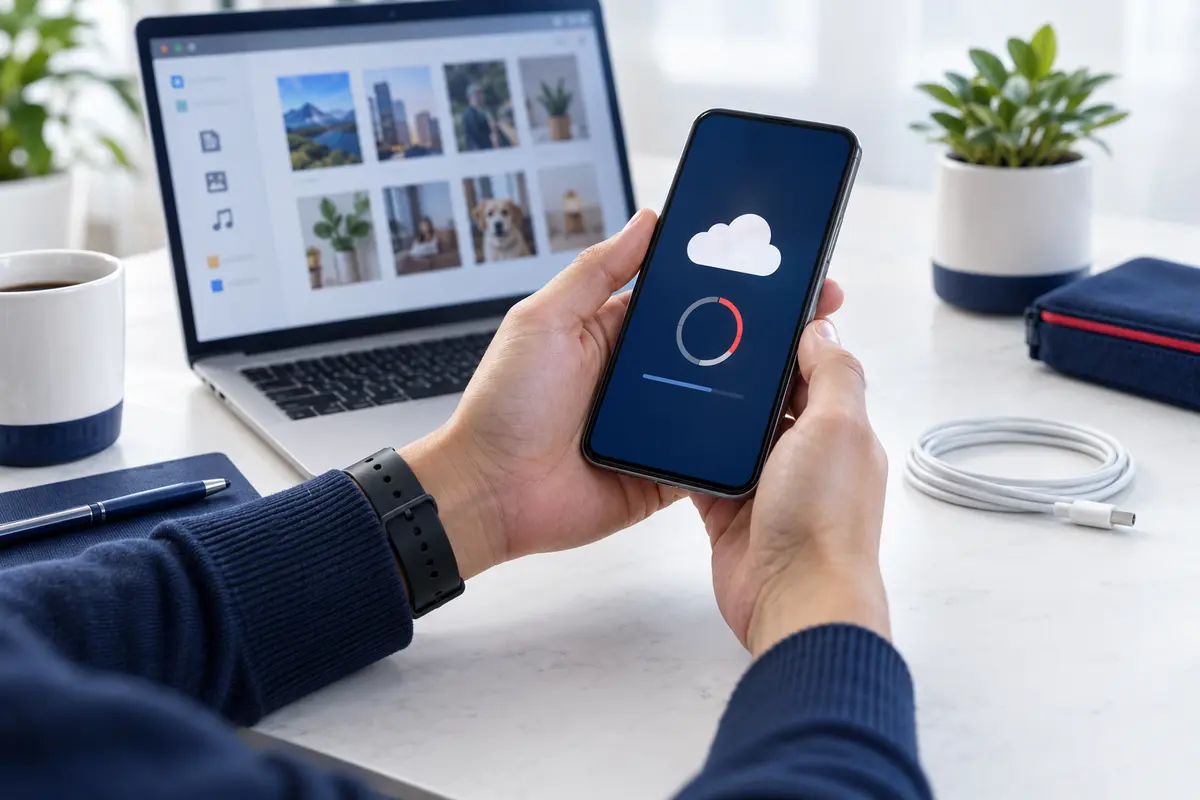
Do not reset every network setting before saving passwords and understanding what will be removed.
How professional diagnosis helps
A useful diagnosis identifies which radios fail, whether the issue follows one network and whether a recent drop or repair affected antennas. Fast Phone Repair & Accessories offers free diagnostics, walk-in service and same-day availability when the model, damage, workload and parts make it practical.
Quick decision table
| Situation | Recommended response |
|---|---|
| Problem is intermittent | Record when it happens and which functions are affected. |
| Device contains important data | Back up when possible and tell the technician before work. |
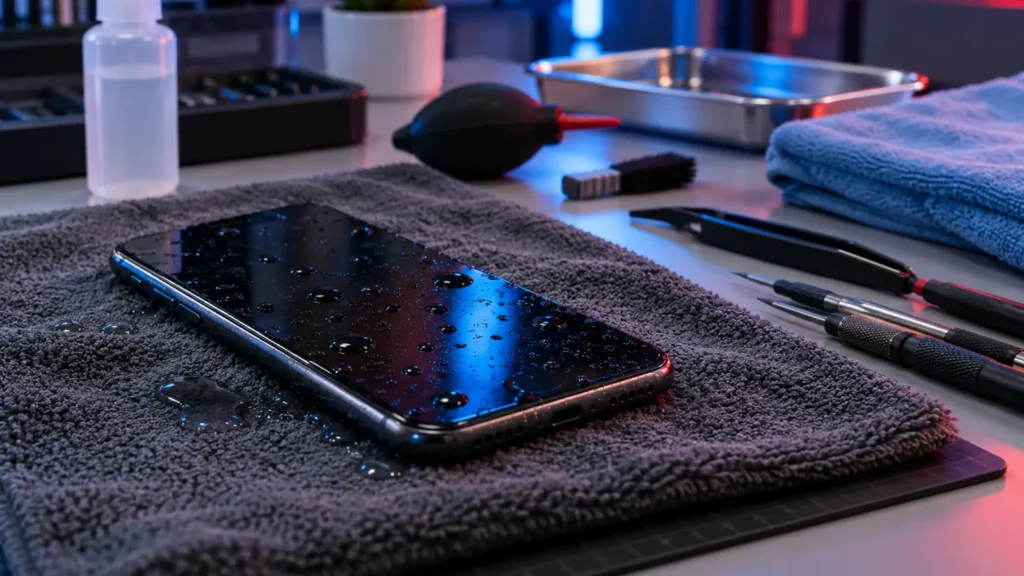
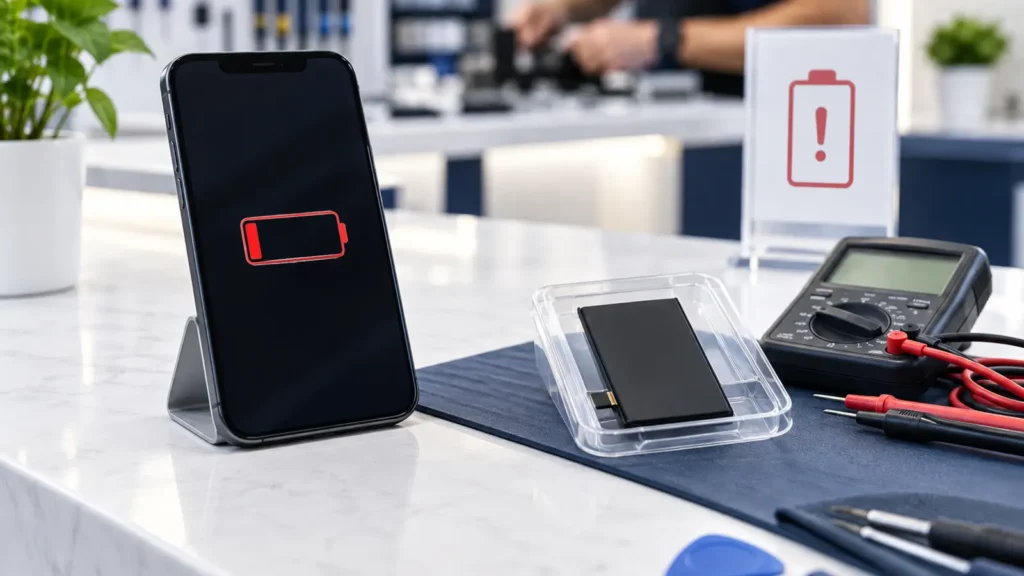
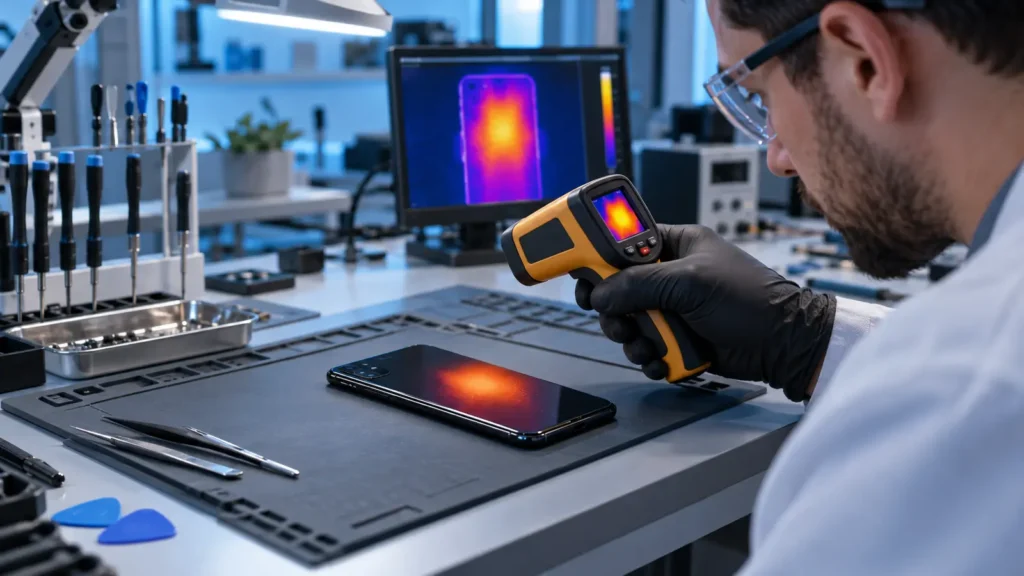
| Heat, swelling or liquid is present | Stop unsafe use or charging and request professional guidance. |
| Repair is recommended | Confirm scope, timing, testing and applicable warranty terms. |
Independent resource
For general consumer information, review FCC wireless consumer guides. This does not replace inspection of an individual device.
Related repair video
Frequently asked questions
Can I diagnose this from the symptom alone?
Not reliably. Different faults can create similar symptoms, so testing is important.
Is same-day repair guaranteed?
No. Same-day availability depends on diagnosis, model, damage, parts and current workload.
Should I back up my phone?
Yes, when the device allows it. Never place account passwords in an appointment note.
Get help in Las Vegas
Visit the related repair service, request an appointment, or contact Fast Phone Repair & Accessories. The store is at 7400 S Las Vegas Blvd, Unit TT46, Las Vegas, NV 89123. Call (805) 732-5832. The business offers a 30-day warranty; confirm the terms applicable to your repair.