
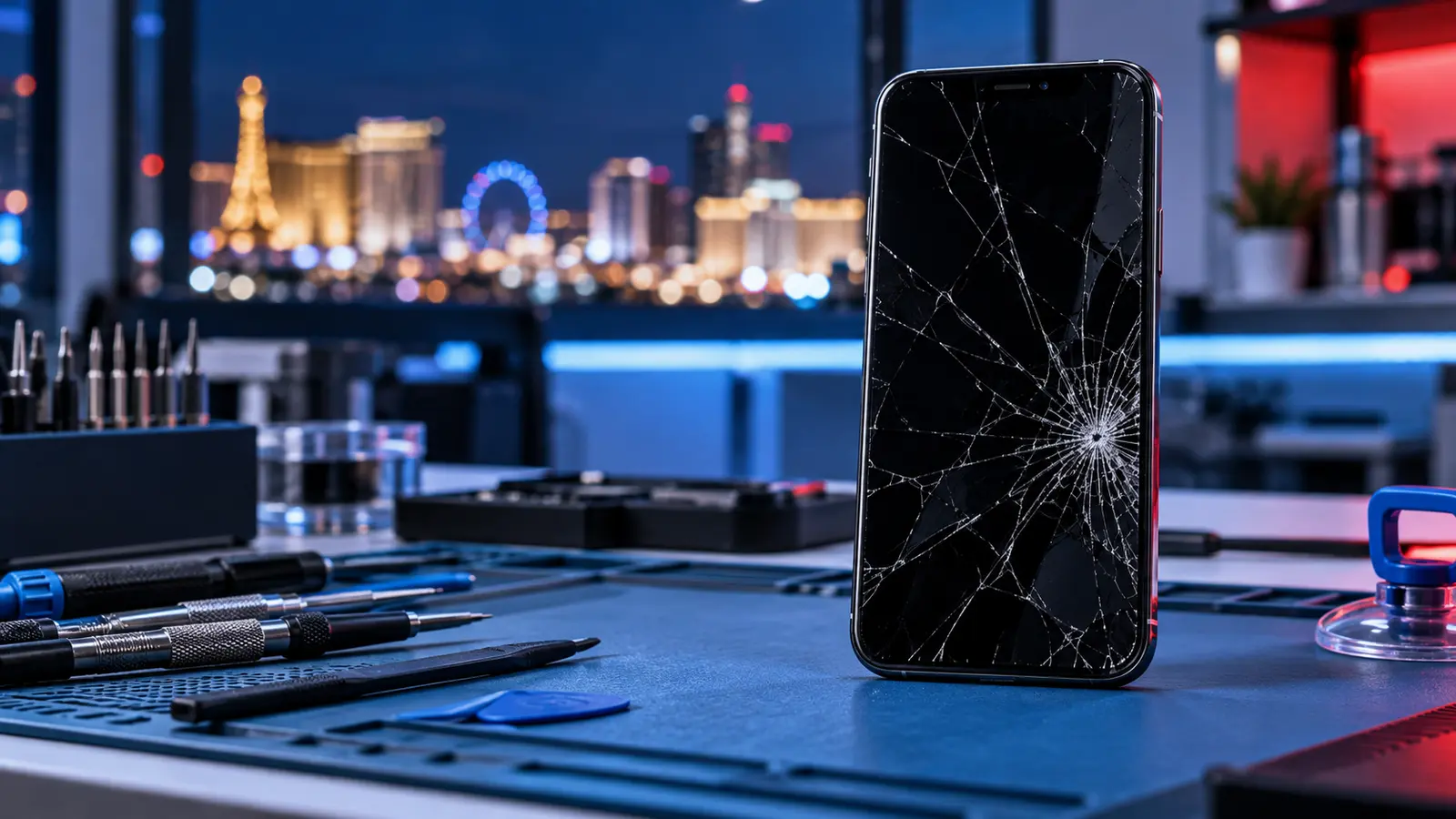
A cracked phone screen can start as a small corner fracture and quickly become a problem that affects touch response, visibility, or safe everyday use. If your phone was dropped in Las Vegas, taking a few careful steps before repair can help protect your information and prevent additional damage.
This guide explains what to check, what to avoid, how to prepare your phone, and when to request a professional assessment. Fast Phone Repair & Accessories provides free diagnostics, accepts walk-ins, and offers same-day availability for supported repairs at 7400 S Las Vegas Blvd, Unit TT46, Las Vegas, NV 89123.
First, assess the screen damage
Not every cracked screen behaves the same way. A phone may have damaged outer glass while the image and touch functions still work, or the display underneath may also be affected. Check the phone without pressing hard on the damaged area.
- Glass-only symptoms: visible cracks with a normal image and normal touch response.
- Display symptoms: black spots, colored lines, flickering, ink-like patches, or a completely dark screen.
- Touch symptoms: delayed response, dead areas, ghost touches, or apps opening without input.
- Frame symptoms: the screen is lifting, the frame looks bent, or gaps appear around the display.
A visual description can help, but the correct repair should be based on an in-person diagnostic. Visit our phone screen repair Las Vegas service page for service details.
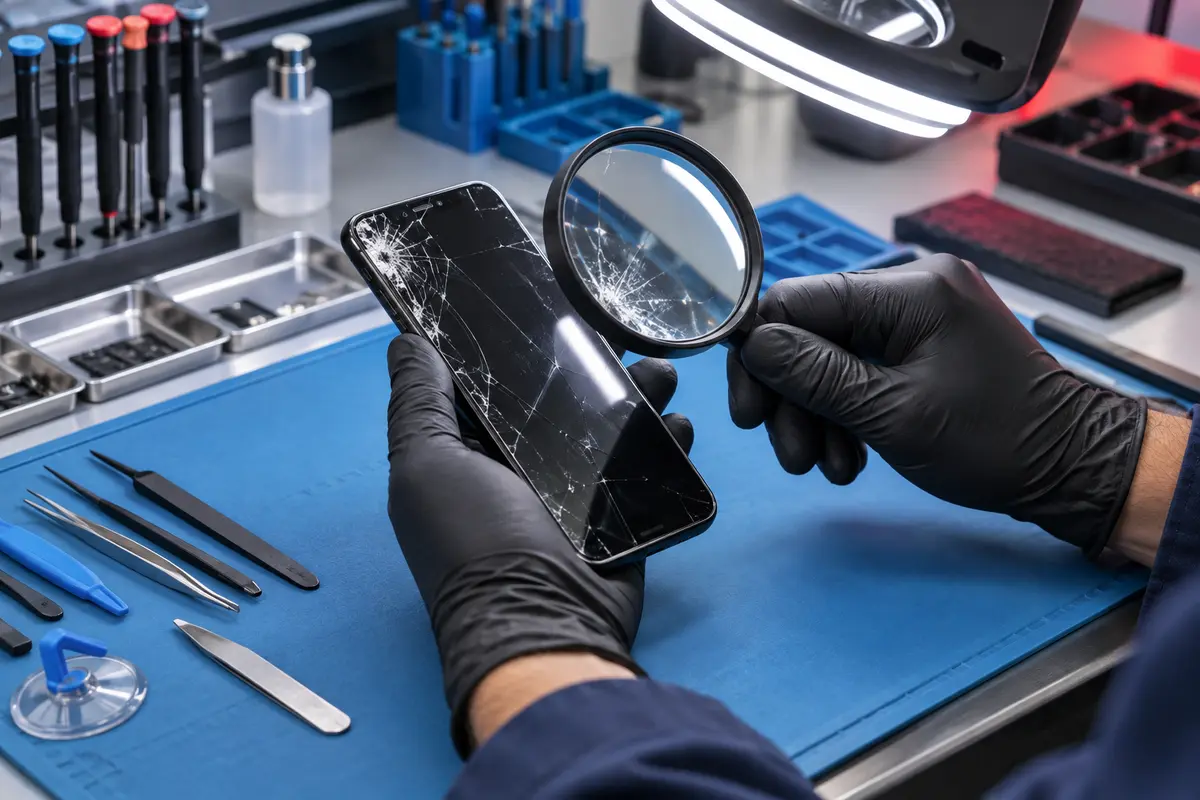
Quick screen-damage comparison
| What you notice | What it may indicate | Recommended next step |
|---|---|---|
| Cracks but normal image and touch | Outer glass or screen assembly damage | Protect the phone and schedule an assessment |
| Lines, black spots or flickering | Display damage beneath the glass | Limit use and request a diagnostic |
| Dead areas or ghost touches | Touch-layer damage | Back up data if possible and arrange repair |
| Screen lifting from the frame | Impact, frame damage or possible battery issue | Stop pressing the screen and seek professional help |
What to do immediately after the screen cracks
1. Stop moisture and debris from reaching the phone
A cracked display no longer offers the same physical protection as an intact screen. Keep the phone away from water, steam, sand, dust, and pockets or bags containing loose debris. Do not assume the phone remains water resistant after impact.
2. Avoid pressing on damaged glass
Pressure can spread cracks or worsen damage to the display below. If sharp glass is exposed, limit use and handle the device carefully. Do not peel away loose sections or push a lifting screen back into the frame.
3. Back up accessible data
If the phone still works, create a current backup using the manufacturer’s supported backup method. Confirm that important photos, contacts, messages, and account information are synchronized before bringing the device for service. A backup is a sensible precaution before any hardware repair.

4. Note every symptom
Write down when the damage occurred and whether you noticed touch problems, display lines, camera issues, charging trouble, overheating, or unexpected shutdowns afterward. An impact can affect more than the glass, and these details help the technician perform a focused diagnostic.
What you should not do
- Do not apply liquid glue, resin, toothpaste, or household chemicals to the crack.
- Do not heat the screen with a hair dryer or other heat source.
- Do not continue charging a phone that is unusually hot, swollen, smoking, or producing an unusual odor.
- Do not rely on clear tape as a permanent repair.
- Do not repeatedly restart or press a phone that has severe display or touch problems.
If the phone is swollen, extremely hot, smoking, hissing, or emitting an unusual odor, stop using and charging it and move away from combustible materials. These symptoms require urgent, careful handling rather than ordinary screen troubleshooting. For battery disposal and recycling guidance, consult the U.S. Environmental Protection Agency’s lithium-ion battery guidance.
Can you keep using a phone with a cracked screen?
A minor crack may not immediately stop the phone from working, but continued use has tradeoffs. Cracks can spread, touch performance can deteriorate, exposed glass can be uncomfortable or sharp, and openings can allow contaminants to reach internal components. A professional assessment can determine whether the screen assembly, frame, or other components were affected.
How to prepare your phone for repair
- Back up your phone if the screen is usable.
- Record the device model and all symptoms.
- Remove the case and any accessories unless they help demonstrate the issue.
- Bring information needed to test the device after repair.
- Ask the technician what needs to be repaired before authorizing service.
You should never send passwords, passcodes, or account credentials through an online booking form. If device access is needed for testing, discuss the safest method directly with the technician.
What happens during a professional screen diagnostic?
A technician may inspect the outer glass, image quality, touch response, frame alignment, cameras, speakers, buttons, and charging behavior. The purpose is to identify whether the issue is limited to the screen or whether the drop affected another part of the phone.
For readers who want to understand how model-specific repairs differ, iFixit’s phone repair guide library provides detailed device references. These guides are educational; attempting a repair without the correct tools and experience can cause additional damage.
Fast Phone Repair & Accessories has eight years of technician experience and offers free diagnostics. Repair availability depends on the phone model, damage, parts availability, and findings from the inspection. No account is required to request an appointment.
See what a modern screen repair involves
The following iFixit video demonstrates the detailed, model-specific nature of a modern smartphone screen replacement. It is included for education and does not replace an in-person diagnostic.
Phone screen repair near Las Vegas South Premium Outlets
Our store is located at 7400 S Las Vegas Blvd, Unit TT46, Las Vegas, NV 89123, near Las Vegas South Premium Outlets. Walk-ins are welcome, or you can call (805) 732-5832 before visiting. You can also get directions to the store.
Frequently asked questions
Does a cracked screen always require complete screen replacement?
The appropriate repair depends on the phone model and the extent of the damage. A technician should inspect the glass, display, touch function, and frame before recommending service.
Can a screen crack affect touch response?
Yes. Impact damage can cause dead areas, delayed response, or unintended touches. Stop using the phone if touch behavior makes it difficult to control safely.
Should I back up my phone before screen repair?
Yes, when the device is accessible. A current backup is a sensible precaution before hardware service.
Do you accept walk-ins?
Yes. Walk-ins are welcome. You may also request an appointment online or call before visiting.
Is the diagnostic free?
Yes. Fast Phone Repair & Accessories offers free diagnostics so the issue can be assessed before the repair is confirmed.
Need help with a cracked phone screen? Explore our screen repair service, book an appointment, or call (805) 732-5832.