A few preparation steps can make a repair visit easier and reduce avoidable data risk. Not every damaged phone can be backed up, and a backup does not guarantee recovery from existing damage, but creating a current copy of important information is a sensible precaution whenever the device still works.
Quick answer
The best next step is to document the symptoms, protect important data when possible and request a diagnosis before approving repair work. Call (805) 732-5832 or use the online appointment page if you prefer to share the model and issue in advance.
Create a current backup
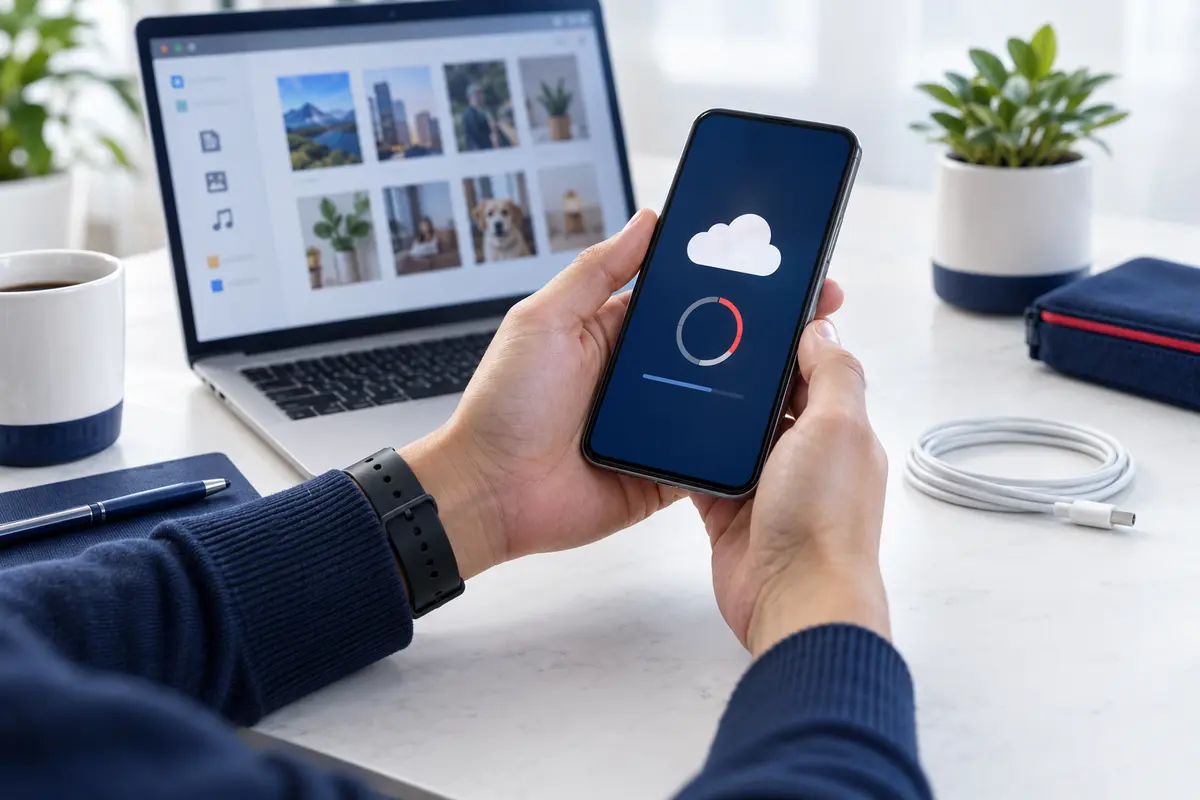
Use the backup method provided by your phone platform or copy essential photos and documents to a trusted computer or cloud account. Confirm that the backup completed successfully rather than assuming it ran. If the phone cannot power on or the display is unusable, tell the technician that the data is important before authorizing work.
Protect accounts and private information
Do not include account passwords in an appointment form or repair note. Ask whether a screen passcode is necessary for testing; some repairs can be started without it, while full function testing may require temporary access. Remove stored payment cards or sensitive accessories when practical.
Document the problem
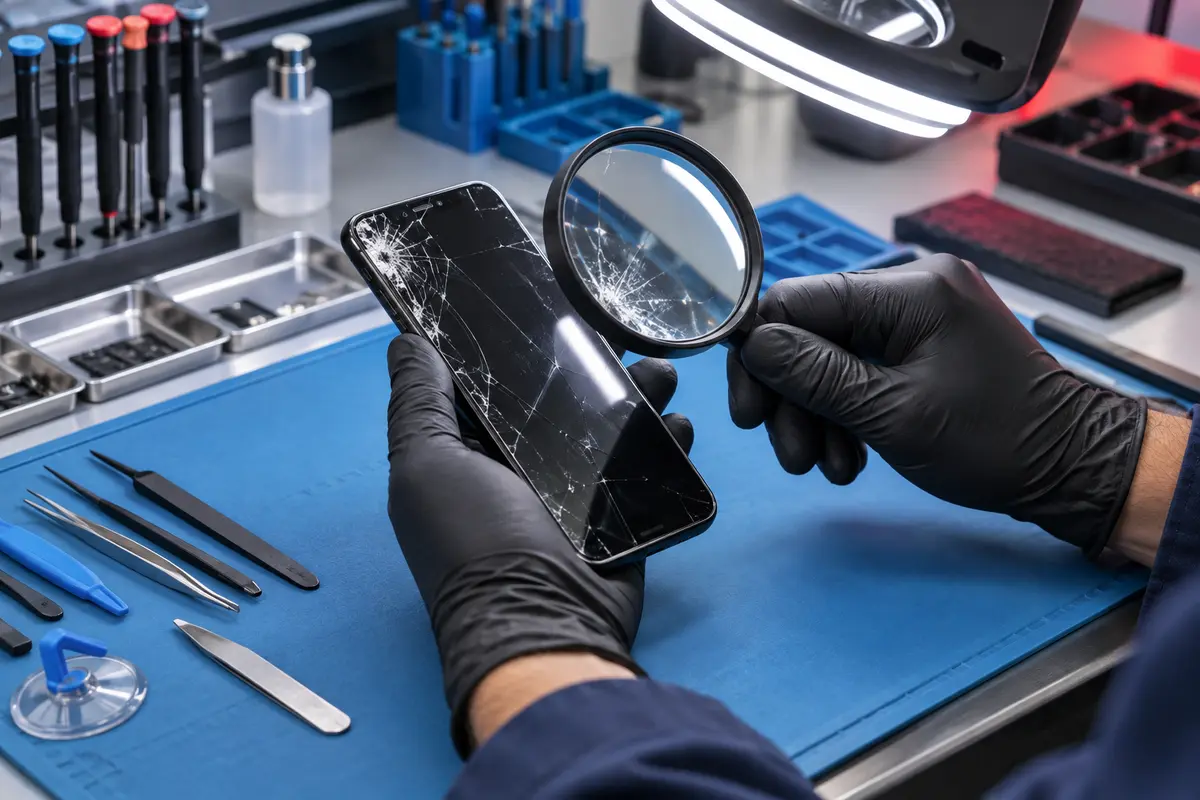
Write down when the issue began, what happened beforehand and which functions still work. Photograph exterior damage with another device if possible. For intermittent problems, note battery percentage, temperature, app activity or charger used when the symptom appears.
Bring only relevant accessories
For a charging complaint, bringing the cable or adapter you normally use can help identify an accessory problem. Otherwise remove decorative cases, detachable wallets and unrelated accessories. Keep the SIM card decision aligned with the tests that may be needed and ask the shop if unsure.
At-a-glance guide
| Before the visit | Recommended action |
|---|---|
| Data | Create and verify a current backup when possible. |
| Security | Do not share account passwords; discuss test access. |
| Symptoms | Write a brief timeline and note prior repairs. |
| Accessories | Bring only items related to the problem. |
Helpful independent resources
For additional background, see Apple device backup guidance and CISA guidance on backing up data. These links are provided for general education; the condition of an individual phone still requires assessment.
Related repair video
Frequently asked questions
Must I erase my phone before repair?
Not automatically. Ask what access is needed for the specific repair and back up important information first.
What if the screen does not work?
Tell the technician which data matters and avoid repeated actions that could worsen damage.
Should I give my account password?
No. Never provide Apple, Google, email or banking account passwords to a repair provider.
Get local help in Las Vegas
Fast Phone Repair & Accessories is located at 7400 S Las Vegas Blvd, Unit TT46, Las Vegas, NV 89123. Walk-ins are welcome, free diagnostics are available, and same-day service may be available depending on the model, damage and parts. The business offers a 30-day warranty; confirm the terms that apply to your repair. Helpful next pages: screen repair service, data recovery options, contact Fast Phone Repair.