When a phone will not charge, turns off unexpectedly or shows no picture, the first symptom does not always identify the failed component. A diagnostic is the structured process used to gather evidence before recommending a repair. It can reduce guesswork and help avoid replacing a part that is not actually responsible for the problem.
Quick answer
The best next step is to document the symptoms, protect important data when possible and request a diagnosis before approving repair work. Call (805) 732-5832 or use the online appointment page if you prefer to share the model and issue in advance.
Step 1: Document the symptoms
The technician starts with what you have observed. Useful details include recent drops, liquid exposure, charging behavior, unusual heat, error messages and whether the problem is constant or intermittent. Mention previous repairs and any accessory that may be involved. Even a short timeline can make testing more focused.
Step 2: Perform visual and functional checks
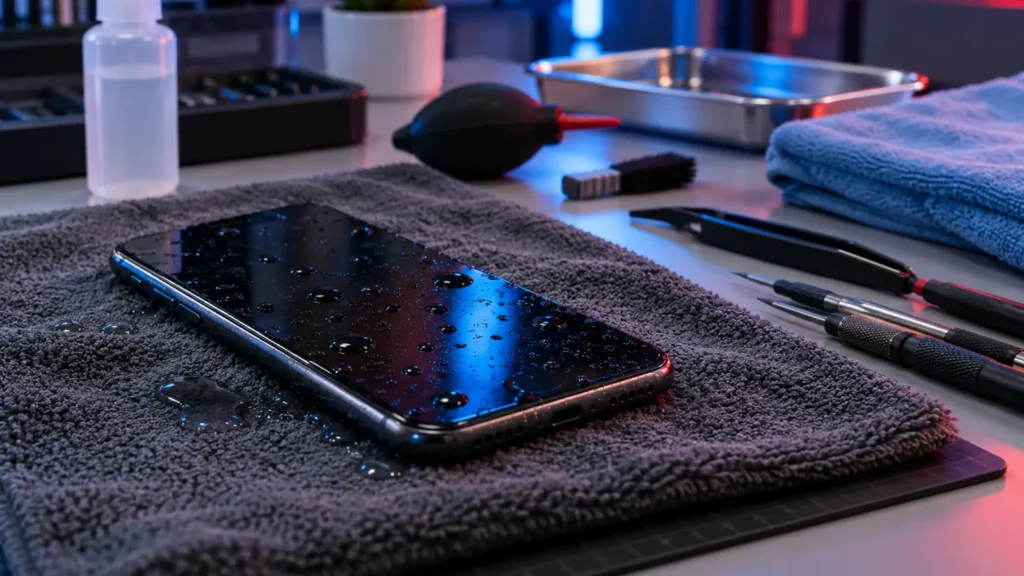
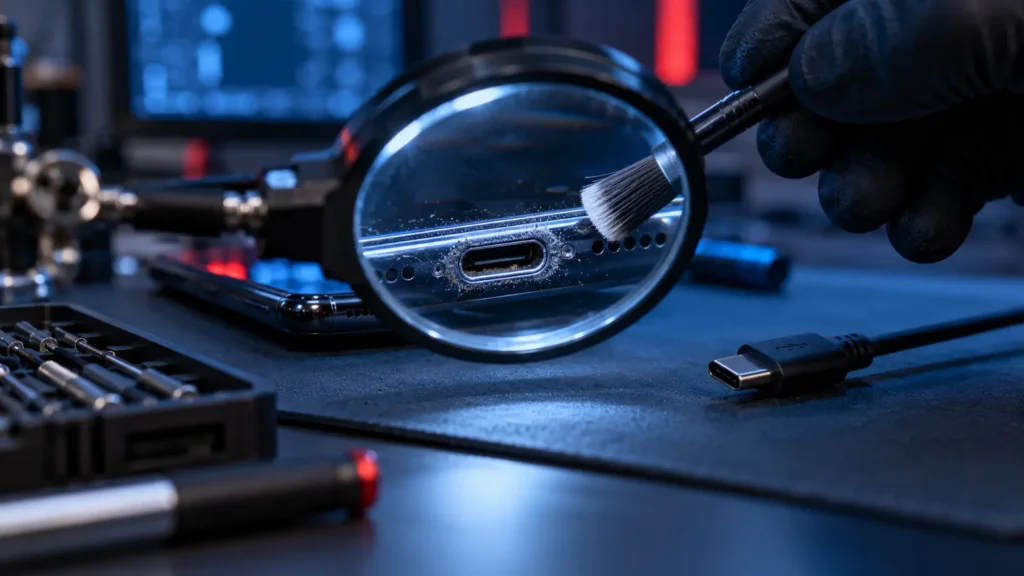
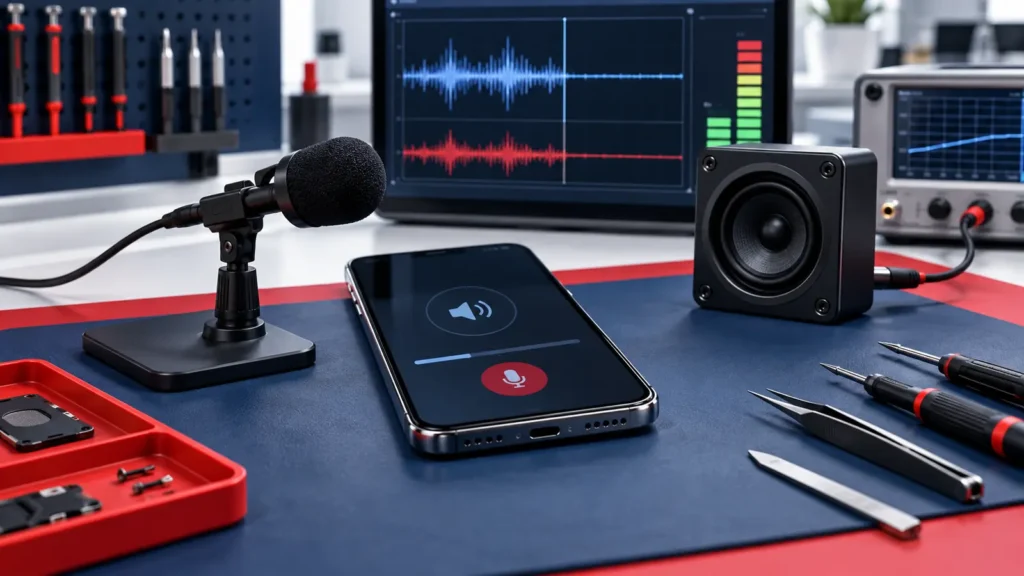
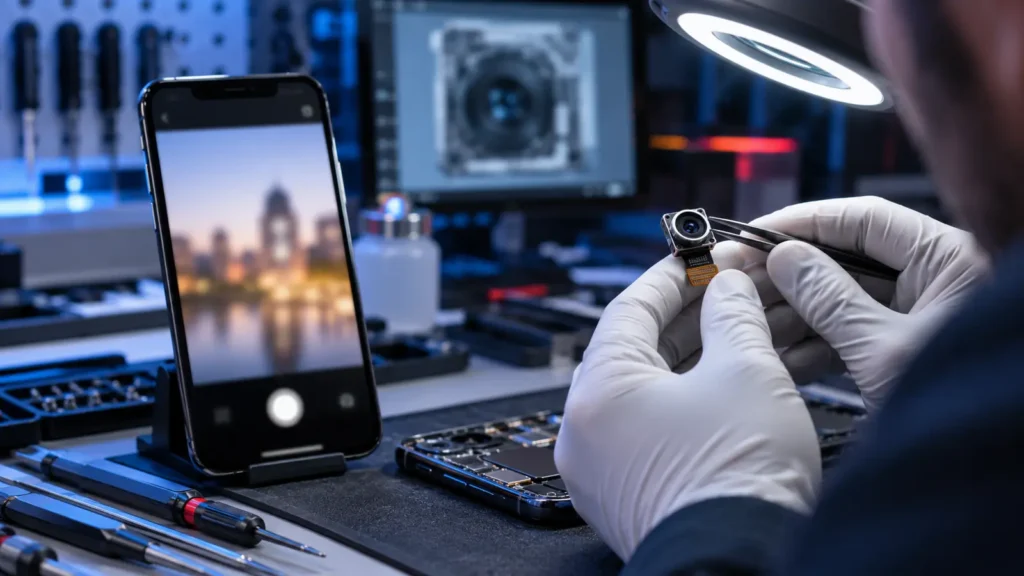
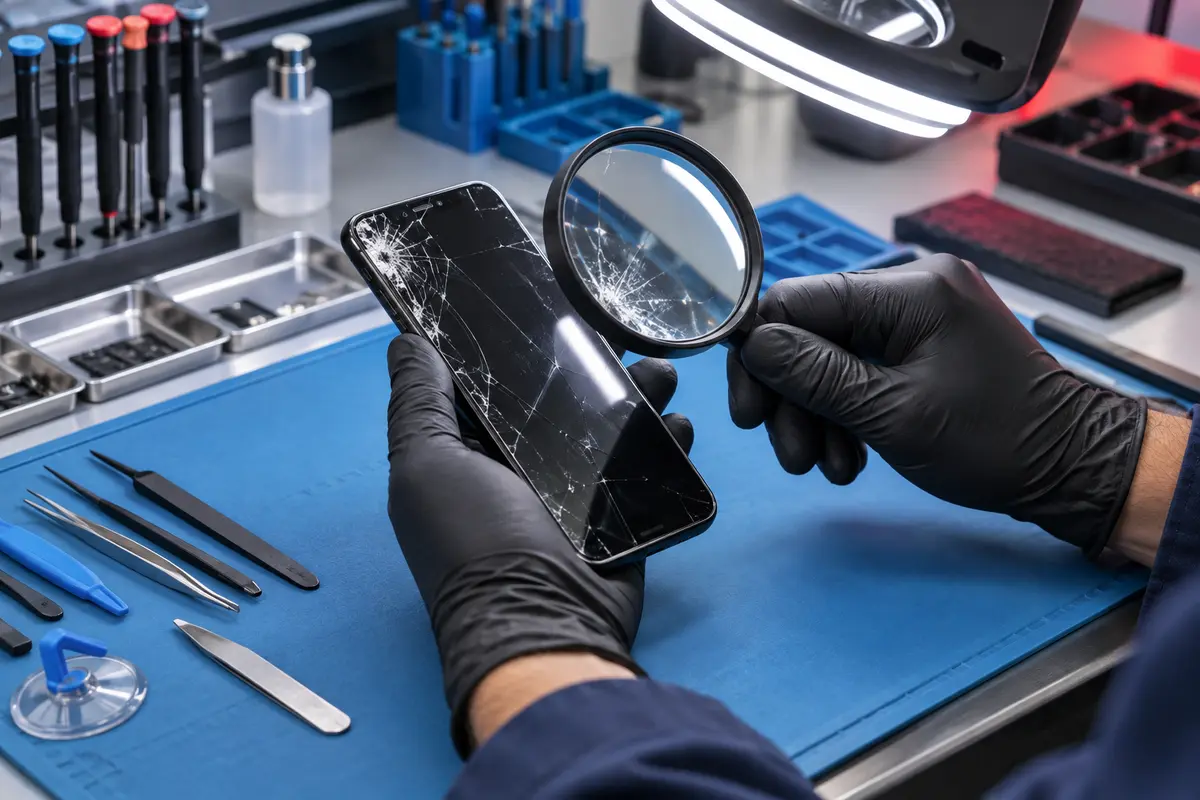
The exterior is checked for cracks, frame damage, debris and signs of impact. When the device powers on, basic functions such as touch response, cameras, microphones, speakers, buttons and charging may be tested. The exact checks depend on the complaint and on what the phone can safely do.
Step 3: Isolate likely causes
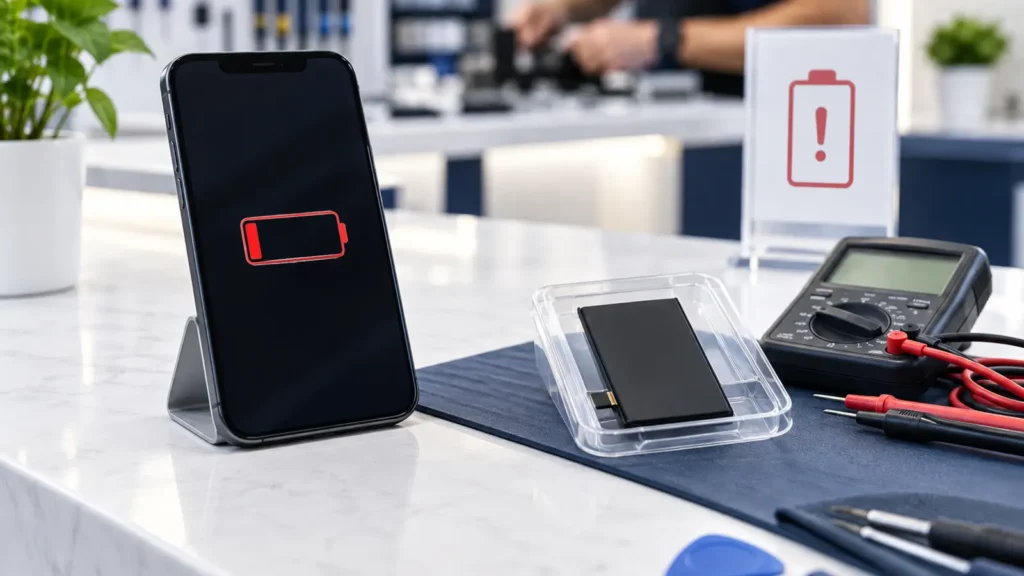
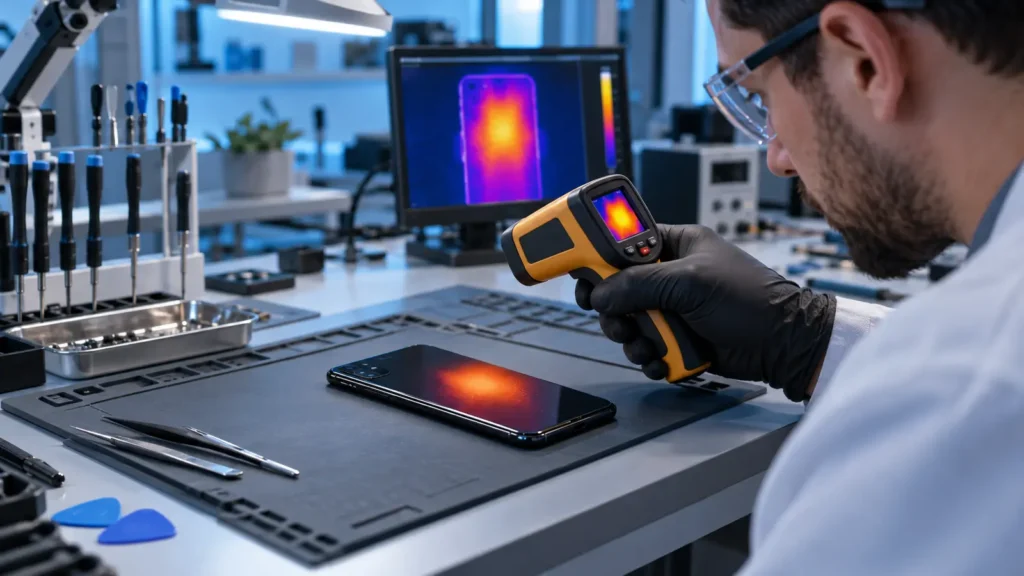
A charging complaint could involve the cable, power adapter, port, battery, software or board. A no-display complaint could still be a screen fault even when the phone vibrates or makes sounds. Controlled testing helps narrow the possibilities without treating every symptom as proof of one failed part.
Step 4: Explain options before work begins
After the assessment, the customer should receive a plain-language explanation of the likely issue, the recommended next step and any uncertainty that remains. Fast Phone Repair & Accessories offers free diagnostics. Repair timing remains subject to the model, damage and parts availability.
At-a-glance guide
| Diagnostic stage | What it can clarify |
|---|---|
| Symptom review | When and how the issue appears. |
| Visual inspection | Impact, debris or exterior damage. |
| Functional testing | Which systems currently respond. |
| Repair recommendation | Practical next steps and dependencies. |
Helpful independent resources
For additional background, see iFixit phone troubleshooting resources and FTC repair restriction information. These links are provided for general education; the condition of an individual phone still requires assessment.
Related repair video
Frequently asked questions
Will a diagnostic erase my data?
Basic assessment normally focuses on symptoms and functions, but any device with important data should be backed up when possible. Ask before authorizing work.
How long does diagnosis take?
It varies with the symptoms, device condition and whether the problem is intermittent.
Does a diagnostic obligate me to repair?
No. A diagnosis is meant to give you information for deciding the next step.
Get local help in Las Vegas
Fast Phone Repair & Accessories is located at 7400 S Las Vegas Blvd, Unit TT46, Las Vegas, NV 89123. Walk-ins are welcome, free diagnostics are available, and same-day service may be available depending on the model, damage and parts. The business offers a 30-day warranty; confirm the terms that apply to your repair. Helpful next pages: phone diagnostic service, charging port repair, request an appointment.